Route the conversation
Use shared lines, routing and queues to bring inbound calls to your team. Keep business SMS and voicemail alongside the rest of the customer relationship.
 Pipeline Intelligence
For contact centers handling sales and service, Pipeline brings calling, CRM and support tickets into one workspace. Give agents the context to pick up the conversation and a clear next step when the call ends.
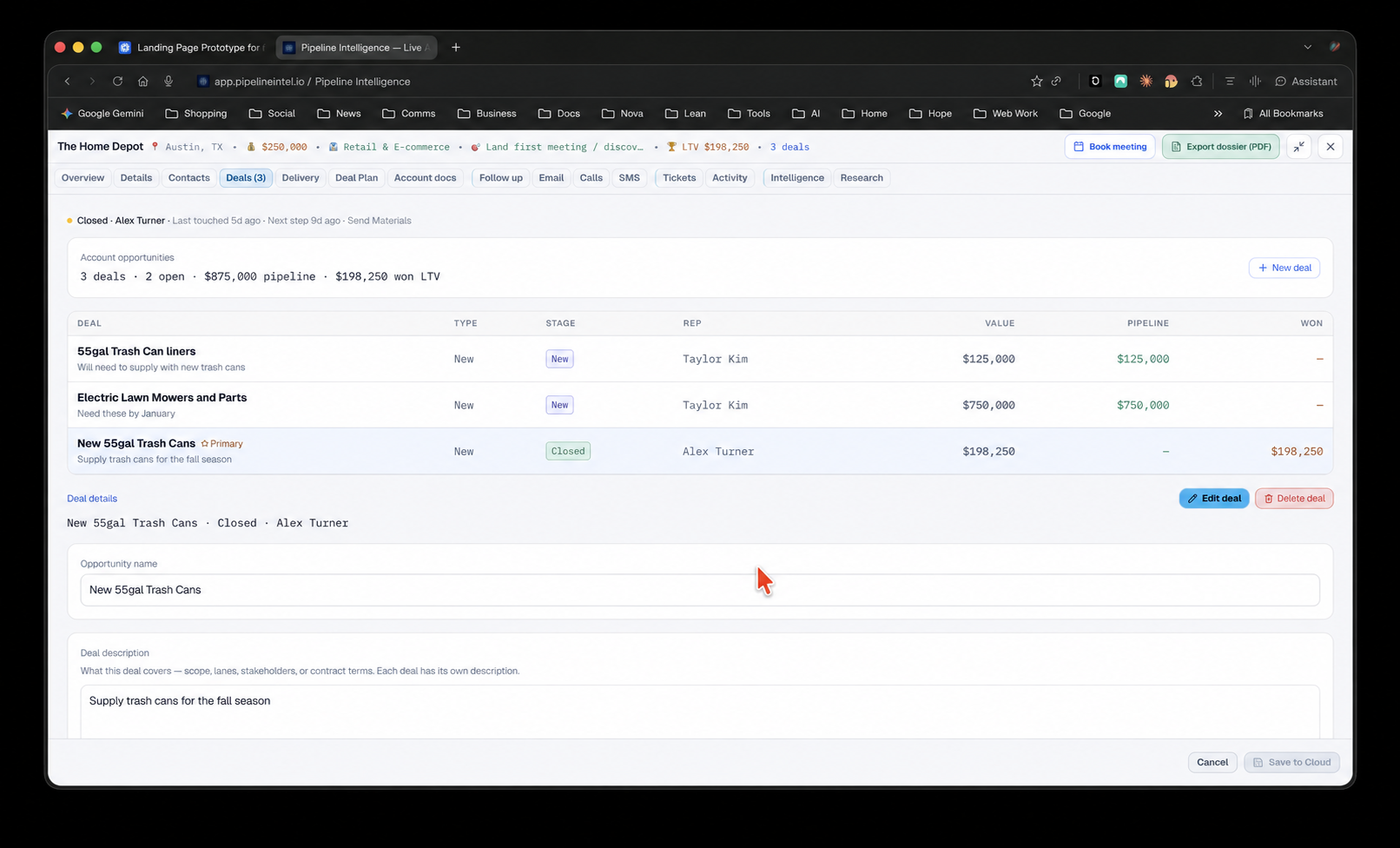
Built around your team
Use shared lines, routing and queues to bring inbound calls to your team. Keep business SMS and voicemail alongside the rest of the customer relationship.
See account details and interaction history while handling the conversation. Keep sales opportunities and service needs connected to the same customer.
Create a follow-up or support ticket and assign the work. The next teammate starts with the customer record, rather than a separate set of notes.
Bring the conversation and the work into the same application.
Sales and service contact centers that need calling, customer records and follow-up in one workspace.
Yes. CRM records and communications live in the same application, with ticket ownership and account history available to the team according to their permissions.
Connect licenses add native business voice and SMS to the CRM workspace. Talk with us about your seats, call routing and service workflow.